Last updated on September 23rd, 2026 at 06:24 pm
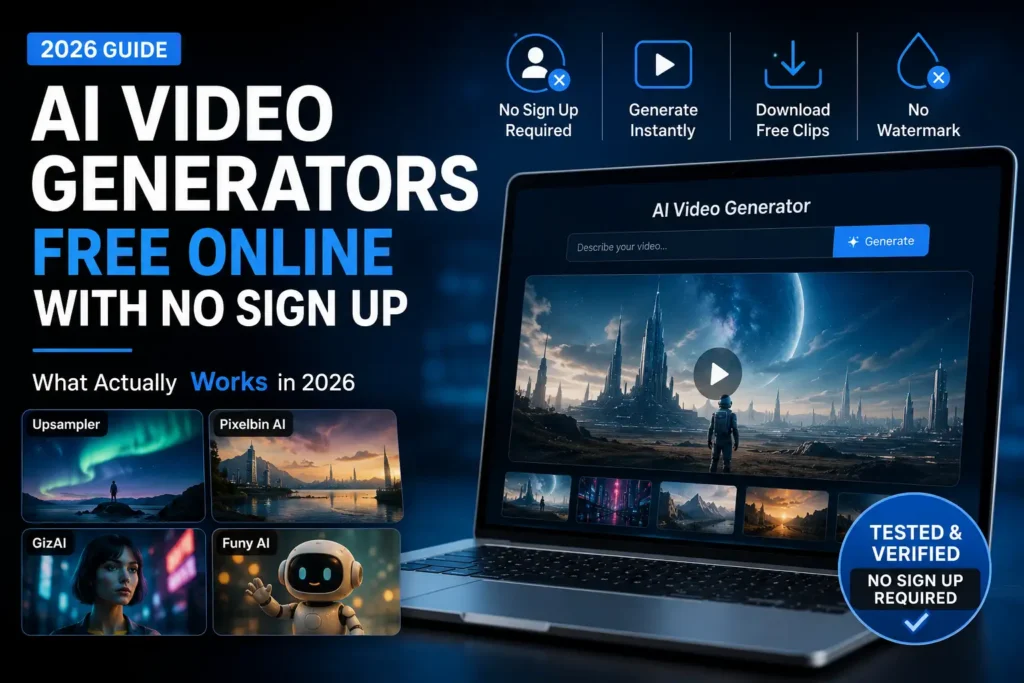
If you Google “free AI video generator no sign up,” you get Runway, Kling, Pika, Luma, PixVerse, over and over. Open any of them and skip the account creation step. You can look around for a bit, but as soon as you click generate, it wants an email.
That’s a free tier. It’s not the same thing as no sign up.
I wanted an actual list of tools where you can type a prompt or upload a photo and get a video without any of that. So I found the smaller ones that specifically claim this and tried each one — a prompt here, an image there, waited for the result. Most of them checked out. One of the claims I read about beforehand turned out to be wrong when I actually looked at the site.
In This Article
ToggleAI Video Generator Free Online No Sign Up: Create Videos in 1 Click
| Tool | Account to generate? | Free output | Watermark | Limitation |
|---|---|---|---|---|
| Upsampler | No | Short text-to-video or image-to-video clips | No | Clips are only a few seconds |
| Funy AI | No | 512p, 6-second clip | No | Longer or higher-res needs an account |
| GizAI | No | Short clip via chat interface | Sometimes | Download requires a paid plan |
| Vider.ai | No | Image-to-video, standard resolution | No | HD and longer clips are a paid feature |
These tools change their limits often. Something that’s free today might get a resolution cap or a daily limit added next month, and there’s no way to promise otherwise. What’s listed here is what I found when I checked, not a permanent rule.
Three Things People Mean by "No Sign Up"
Sometimes it really is: type the prompt, click generate, video shows up, download it. Nothing in between.
Sometimes it’s not, even though the site says it is. You fill in your prompt, pick your settings, click generate, and instead of a video you get a screen asking you to make an account. This happened to me on one of these platforms — it has a separate paid workspace alongside its normal free page, and I ended up on the paid one by accident. The prompt box worked fine. Clicking generate did nothing except turn the cursor into a red circle with a line through it. That page only runs if you’re paying for it, no matter what you type in.
And sometimes it’s free but limited in a way that isn’t obvious from the homepage — a few generations a day, low resolution only, no audio unless you upgrade. Not really false advertising, just not what most people expect when they read “free.”
The tools in the table above are the first kind or the third kind. None of them are the second.
Going Through Them
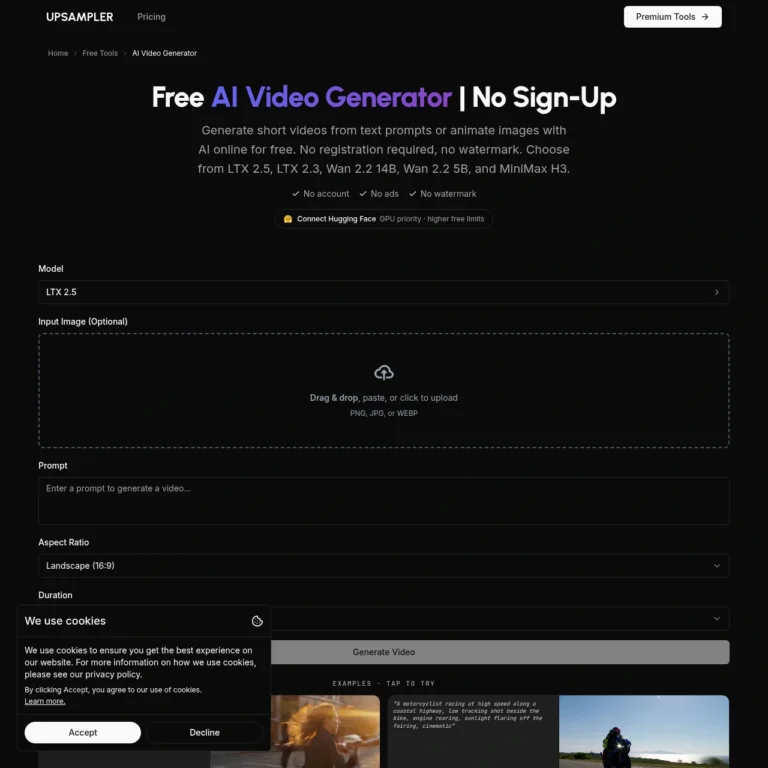
Upsampler‘s free page is just there — you don’t have to hunt for it. It does text and image input, no watermark on what comes out, and lets you pick between a few different models instead of forcing one on you. The clips are short, so it’s more for checking if an idea has potential than for a finished video.
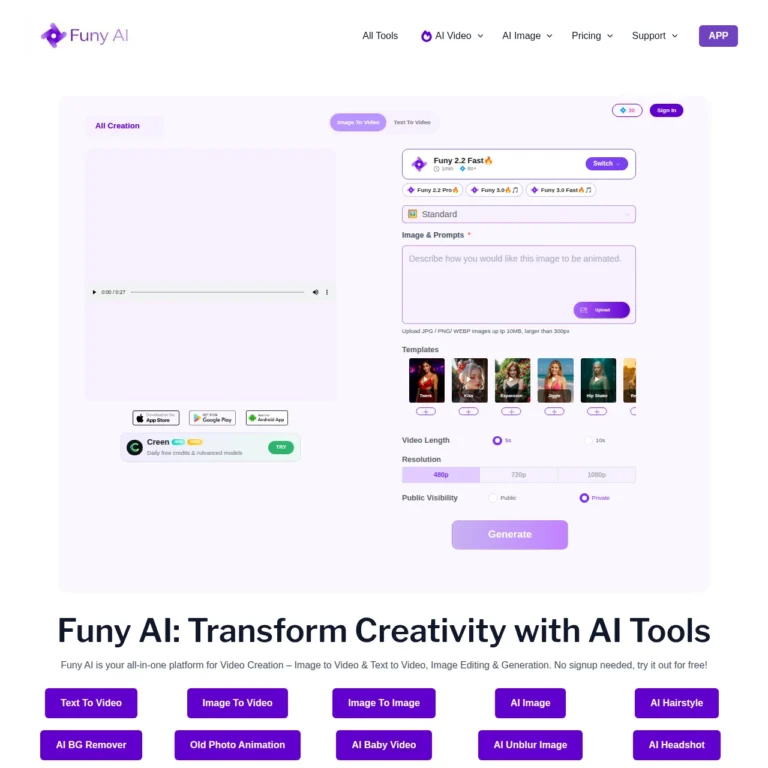
Funy AI is free the way it says — no login, no watermark, a 6-second clip at 512p. Once you want it longer, sharper, or with sound, you need an account and credits. Good for a rough version of something, not much beyond that.
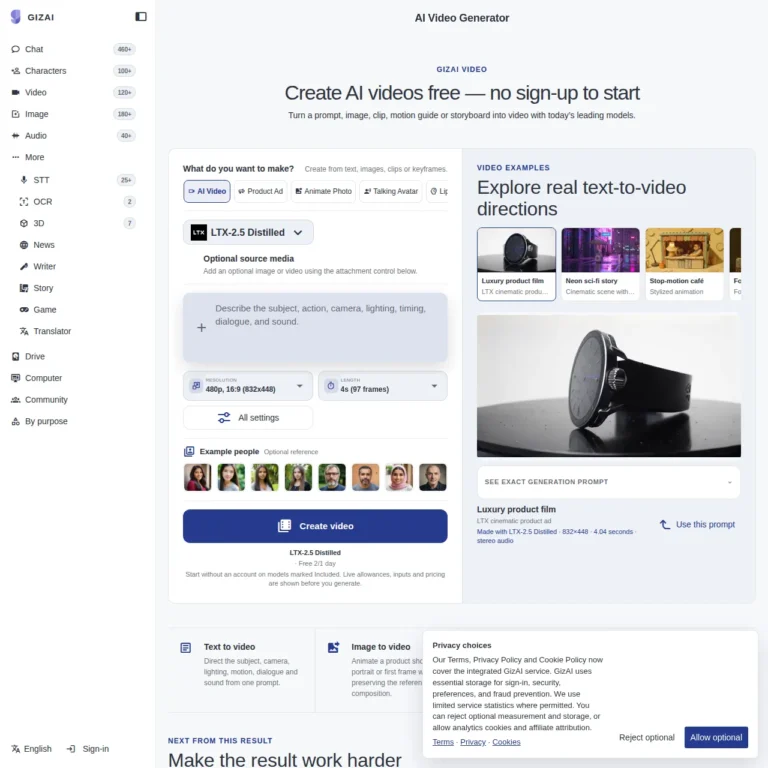
GizAI works through a chat box rather than a regular form. Typing a prompt and getting a preview doesn’t need an account. Downloading the result does. So it’s fine if you’re just curious what a prompt will do, less fine if you actually want to keep the file.
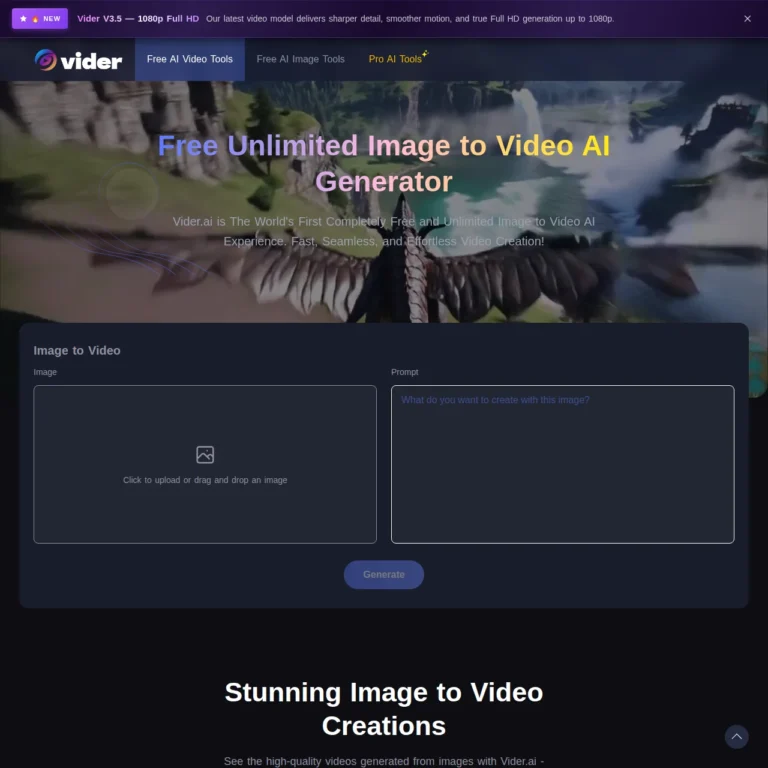
Vider.ai is the one I tested myself. I uploaded a photo, wrote a short motion description, and it processed without asking for anything. I’d seen a claim somewhere that Vider.ai had shut its free version down or gotten merged into another paid tool. That wasn’t true when I checked — the generator was up, working, free, with a paid option next to it for higher resolution.
Text or Photo First?
If you’re starting from an idea with nothing to show for it yet, Upsampler, Funy AI, and GizAI all take a written prompt.
If you already have an image and just want it moving, Vider.ai is made for that, and animating something that already exists usually turns out better than asking a model to build a whole scene from a sentence.
Where the Free Part Stops
Length is the first thing to go. A few seconds is normal. None of these get you anywhere close to thirty seconds for free.
Resolution stays low enough that you can tell if something works, but not high enough to actually use anywhere.
Audio almost never comes free, even on tools that are otherwise generous.
And being able to generate something doesn’t always mean you can download it — GizAI is the clearest case of that here.
None of that means skip these tools. It just means they’re good for figuring out if an idea is worth pursuing, not for finishing a real project.
What the Bigger Lists Miss
I checked a few of the popular articles ranking for this same search. They all cover the same big platforms — Runway, Kling, Luma, Pika, PixVerse, Hailuo — and they’re fine if you want to compare free credits and monthly pricing. But every one of those tools needs an account before it lets you generate anything.
That’s a different question than the one someone typing “no sign up” is asking. If you’re okay making an account and just want to know which one gives you the most for free, those bigger lists will help. If the reason you searched in the first place was to avoid making an account at all, they won’t get you there, which is why this page exists.
FAQ
Is there an AI video generator that's actually free with no sign up?
Yes — Upsampler, Funy AI, GizAI, and Vider.ai all generate a video without an account. That doesn’t mean unlimited, though. Each one limits you somewhere else.
Which of these has no watermark?
Upsampler, Funy AI, and Vider.ai’s free tier all come out clean. Watermark rules change often on these sites, so check before you use a clip anywhere public.
Can I generate a video just by typing a prompt?
Yes, on Upsampler, Funy AI, and GizAI — no account needed for a basic version.
Why did a tool let me set everything up and then ask for a login anyway?
Usually it’s one specific thing gated, not the generation — longer length, higher resolution, sound, or the download itself. If the site has both a free version and a separate paid one, double-check which page you’re on. They can look almost the same.
Can I use these clips for a business or a client?
Check the terms first. They’re different for each tool and they change, so don’t assume a free clip is cleared for commercial use.
Bottom Line
If you want to test something right now without making an account, Upsampler works for a text idea, Vider.ai works if you’re starting from a photo. Once the free version stops being enough, that’s when making an account is worth it — and by then you’ll already know if the idea was good enough to bother.
Pro Tip: After generating your free video clips, if you want to dub them into any language, make sure to read our DubMash AI Review 2026 to find out how to translate any video into 120+ languages in minutes.