
I’ve done this more times than I’d like to admit: paste a paragraph into an AI chat, type “make it better,” hit enter, and get back something that reads fine but doesn’t sound like me anymore. The grammar’s cleaner. The sentences flow. And somehow my point got buried under three extra adjectives I never wrote.
If you’ve had the same experience, here’s the actual reason it happens — and why the right AI editing prompts can fix it without you having to write a novel-length instruction every time you just want a sentence tightened up.
In This Article
ToggleThe Word "Better" Doesn't Mean Anything on Its Own
Say you wrote this:
“Our platform offers a comprehensive solution that helps businesses improve productivity and streamline daily operations.”
And you tell an AI tool: make it better.
Better how? Shorter? Less corporate-sounding? Should it lead with the actual benefit instead of the buzzwords? You didn’t say, so the model has to guess — and it usually guesses toward “sounds more impressive,” not “communicates more clearly.” You’ll often get something like:
“Our platform empowers businesses to unlock greater productivity and streamline their workflows through a powerful, end-to-end solution.”
That’s not an improvement. It’s the same vague sentence wearing a nicer jacket. Nothing got clearer — it just got longer and more confident-sounding.
This is the core issue: polished and improved are not the same thing. An AI model doesn’t know what you were trying to protect in that sentence, so if you don’t tell it, it’ll optimize for “sounds good” instead of “says what you meant.”
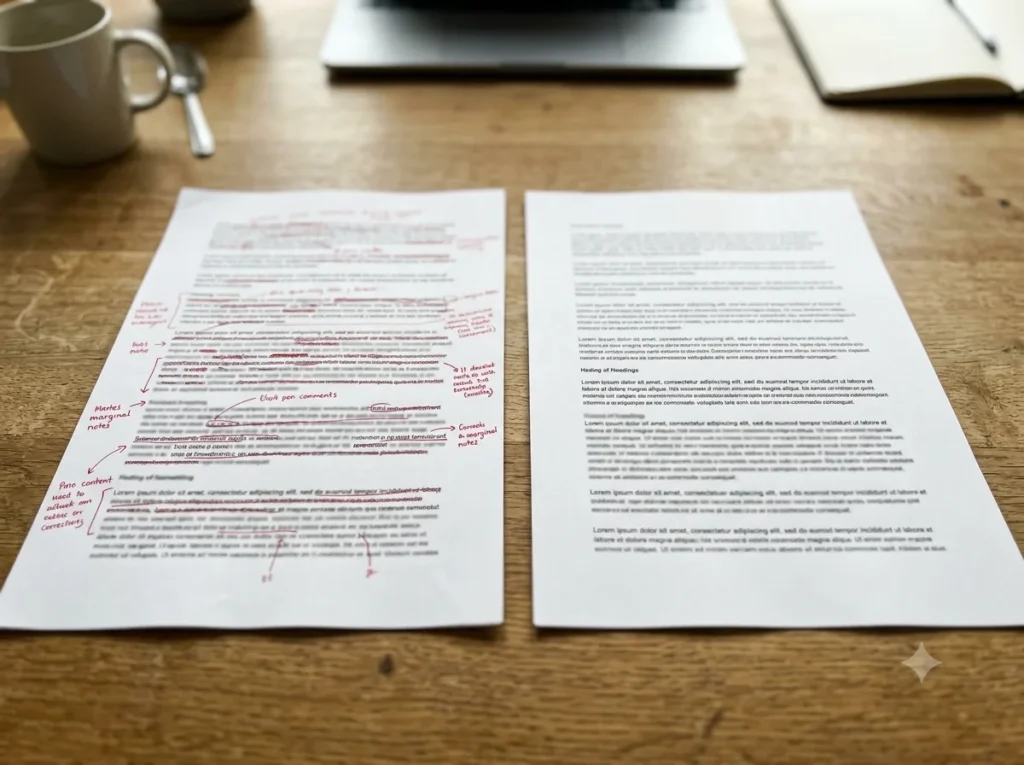
Figure Out What's Actually Wrong Before You Ask for a Fix
A lot of bad AI edits happen because we skip a step. A paragraph feels off, so we paste it in and ask for a rewrite — without ever pinning down what’s actually bothering us about it.
Before you touch an AI tool, try finishing this sentence: “The problem with this paragraph is ___.”
If you can fill that in with something specific — “the main point shows up too late,” “it repeats itself in the second sentence,” “it’s too formal for this audience” — you now have a real instruction instead of a vague request. Compare these two prompts:
- “Make this better.” (the model has no idea what to fix)
- “Move the main point to the first sentence. Don’t add new claims, just reorder what’s already there.” (the model knows exactly what to do)
The second one gives you a controlled, predictable edit. The first one is a coin flip.
AI Is Good at Rewriting — It's Not Good at Guessing What to Protect

Here’s a sentence that shows how this goes wrong in practice:
“We launched the feature after three months of testing with a small group of users.”
Ask an AI tool to “make this more engaging” and you might get:
“After months of rigorous testing and valuable user feedback, we proudly launched this groundbreaking feature.”
Look at what quietly changed:
- “Three months” became the vaguer “months”
- “A small group of users” became “valuable user feedback” — which sounds nicer but tells you less
- “Groundbreaking” got added, and nothing in the original sentence claimed that
That’s not editing anymore — the model started interpreting, and interpretation is exactly where facts get softened or exaggerated without anyone noticing. If you’re using AI on anything factual (a product update, a report, a client email), this is the part to watch closely.
The fix is simple: tell the tool what it’s not allowed to touch. A few lines that make a real difference:
- Keep all numbers unchanged
- Don’t add facts or claims that weren’t in the original
- Keep the same level of certainty (don’t turn “might help” into “will transform”)
- Preserve first-person voice
- No marketing language
These aren’t complicated instructions, but they close off the exact places where AI tends to drift.
Editing and Rewriting Are Different Jobs — Say Which One You Want
| Task | What Stays the Same | What Changes | Best Used For |
|---|---|---|---|
| Editing | Ideas, specific claims, numbers, and personal voice. | Grammar, punctuation, sentence flow, and obvious repetition. | Tightening up a near-final draft or fixing a quick email. |
| Rewriting | The core theme or message. | Sentence structure, tone level, vocabulary, and paragraph order. | Changing the target audience, fixing a bad intro, or updating tone. |
A Structure for AI Editing Prompts That Actually Holds Up

You don’t need a template with ten fields. Three parts cover almost every editing situation:
1. State the job. “Fix the grammar.” “Cut this by a third.” “Simplify this for someone with no technical background.”
2. State what has to stay the same. “Keep the meaning and all the numbers.” “Don’t add examples.” “Keep my tone — I don’t want this to sound corporate.”
3. Describe the result you want. “Make it sound like I’m talking to a colleague, not presenting to a board.” “Keep it under 100 words.”
Put together, that looks like:
“Fix the grammar and punctuation. Keep all facts, examples, and the original meaning exactly as they are. Make it sound natural and conversational — don’t add anything I didn’t already say.”
That’s a job description, not a guess. The model has a finish line to work toward instead of an open-ended request it has to interpret on its own.
Watch for Words That Sound Impressive But Say Less
This shows up constantly in business writing. A plain sentence like “the update adds automatic backups” tends to come back as:
“The latest update introduces powerful automatic backup capabilities designed to provide users with greater peace of mind.”
Give It an Example When Description Isn't Enough
Sometimes telling a model “keep it casual” doesn’t land the way you want. If you have a specific style in mind, show it instead of describing it:
“Rewrite this in the same style as the example below — short sentences, plain language, no promotional phrases. [paste example]”
A concrete example does more work than a paragraph of adjectives, because the model has something to match instead of something to imagine.
Check the Output Against the Original — Not Just the Grammar
The trap here is that the rewritten version usually looks cleaner, so it’s tempting to just accept it. Before you do, run through a quick check:
- Did the main point stay the same?
- Did any numbers or specific details change?
- Did the level of certainty shift (did “might” quietly become “will”)?
- Did it add anything you never actually said?
- Did it cut something useful?
- Does this still sound like you?
That last question does more work than it seems like it should — it’s the same test that matters when [you’re trying to make AI writing sound less like AI and more like you]
A Five-Step Routine That Keeps This From Going Wrong

- Write the rough version yourself.** Don’t hand the model a blank page for something that’s actually your idea or experience — [a few good drafting tools] can help you get words down faster, but the thinking should still be yours.
- Name one specific problem. Not “this needs work” — the actual issue.
- Give a narrow instruction. State the job, the boundaries, and the result you want.
- Compare the two versions side by side. Look for anything that changed meaning, not just wording.
- Make the final call yourself. Keep what works, drop what doesn’t. The person whose name goes on the writing is still responsible for what it says.
If the first attempt is bad, don’t just say “no, better.” Point at the actual failure: “this got too formal, keep the short sentences” or “you changed what the second sentence claims — put the original meaning back and just fix the grammar.” Specific feedback gets you a usable second draft. Vague feedback just gets you another guess.
The Bottom Line
“Better” isn’t an instruction, it’s a placeholder for one. The moment you can say what you actually mean — shorter, plainer, keep the numbers, don’t add claims — you’ve stopped asking the tool to guess and started giving it an actual job.
The tool can give you options. Deciding which one is true to what you meant is still on you.



Pingback: 9 Best AI Text Generator Tools in 2026 (Tested & Ranked)