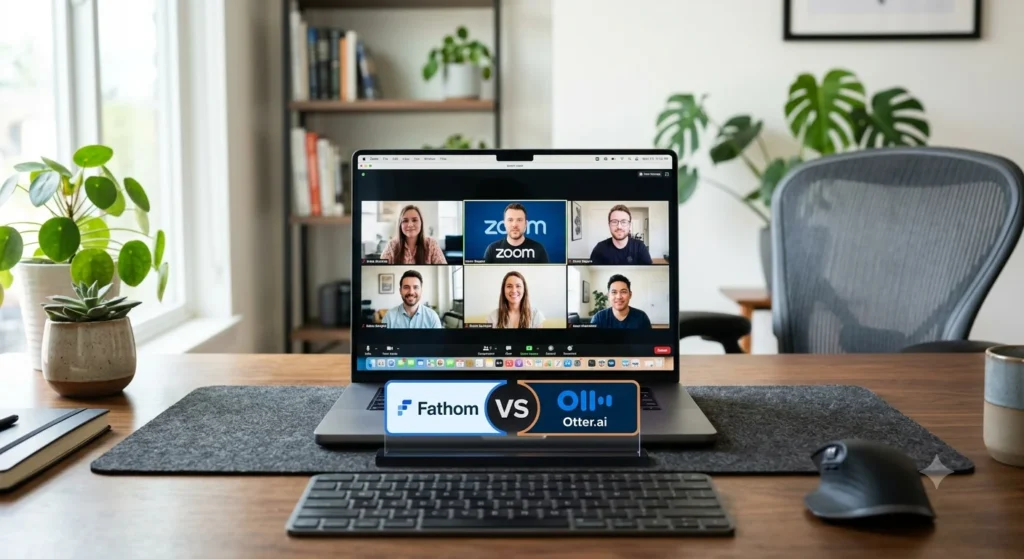
You know the feeling. You’re 20 minutes into a Zoom call, trying to listen, respond, and type notes at the same time. Something important gets said. You type half of it, miss the other half, and just hope you remember the rest later. You never do.
This is exactly the problem Fathom AI and Otter AI are built to fix. Both sit on your Zoom calls, listen the whole time, and hand you a clean summary and transcript the moment you hang up. No more scrambling to write things down while someone’s still talking.
But “they both take notes” is where the similarities start to thin out. Once you actually use them for a few weeks, the differences show up fast — in what’s free, how accurate the transcripts are, and how much you end up paying once the free plan stops being enough. This Fathom vs Otter comparison breaks all of that down in plain language, so you can pick the one that actually fits how you work.
In This Article
ToggleAt-a-Glance Comparison Table
| Feature | Fathom | Otter AI |
|---|---|---|
| Main Focus | Zoom, Meet, and Teams call recording with instant AI summaries | Meeting transcription plus a mobile app for in-person talks |
| Free Tier Limits | Unlimited recordings, transcripts, and standard AI summaries — no monthly call cap | 300 minutes/month, 30-minute cap per call, 3 file imports ever |
| Accuracy | Strong on clear audio, stumbles on heavy crosstalk | Very strong, especially with accents and multiple speakers |
| Live Subtitles | Yes, during Zoom calls | Yes, during Zoom calls |
| In-person Notes | No mobile recording for live, in-room conversations | Yes, via the Otter mobile app |
| CRM Sync | Basic HubSpot integration on Free; advanced sync and Salesforce on the paid plan | Yes, on Pro and Business (Salesforce, HubSpot) |
| Paid Pricing | $16/month (Premium, billed annually) for individuals; Team and Business plans available from $15/user/month | $8.33/month (Pro, annual) or $19.99/month (Business, annual) |
The Free Plan Battle (The Real Limits)

This is where most people make their decision, so let’s be honest about it.
Fathom’s free plan will record, transcribe, and summarize as many Zoom calls as you want, with no monthly call cap at all. Every call gets a full recording, transcript, and a standard AI summary with action items, for free, forever. Where the free plan draws the line is on the fancier stuff: custom summary templates, sales-specific frameworks like BANT or Sandler, and CRM integrations beyond the basics all live behind the $16/month Premium plan. For most everyday Zoom users who just want a clean recap after every call, the free plan alone covers it.
Otter’s free plan works differently, and it’s stingier. You get 300 transcription minutes a month total, which sounds like a lot until you realize each individual call is capped at 30 minutes. Book a normal 45-minute or one-hour meeting, and Otter just stops recording partway through and leaves you hanging for the second half. That’s genuinely annoying if you’re in back-to-back meetings all day. You also only get 3 file imports for the entire life of your account, not per month.
If you’re someone who lives on Zoom for full workdays, Fathom’s free tier is the clear winner here. If your calls are short and you mainly want quick transcripts of brief conversations, Otter’s 30-minute cap might not bother you much.
Speech-to-Text & Accuracy
Both tools do a genuinely good job turning spoken words into readable text, but they’re not identical.
Otter AI has been doing speech-to-text longer than Fathom has existed, and it shows. Otter AI speech to text handles different accents, faster talkers, and messier audio setups better than most competitors. When two or three people talk over each other, Otter is usually a step ahead at figuring out who said what.
Fathom holds up well too, especially on calls with clear audio and people who aren’t interrupting each other constantly. Where it can stumble is heavy crosstalk or a noisy background, like someone dialing in from a coffee shop. For most one-on-one or small team Zoom calls, you honestly won’t notice a big gap between the two. The difference shows up more in chaotic group calls.
Daily Workflows (Zoom & Mobile Use)
Fathom for Zoom is about as low-effort as it gets. You connect your calendar once, and Fathom automatically joins your Zoom meetings as a bot, records, transcribes, and then fires off a summary to your inbox (and Slack, if you connect it) within a minute or two of the call ending. You never have to remember to hit record. That “set it and forget it” feel is a big part of why people stick with it.
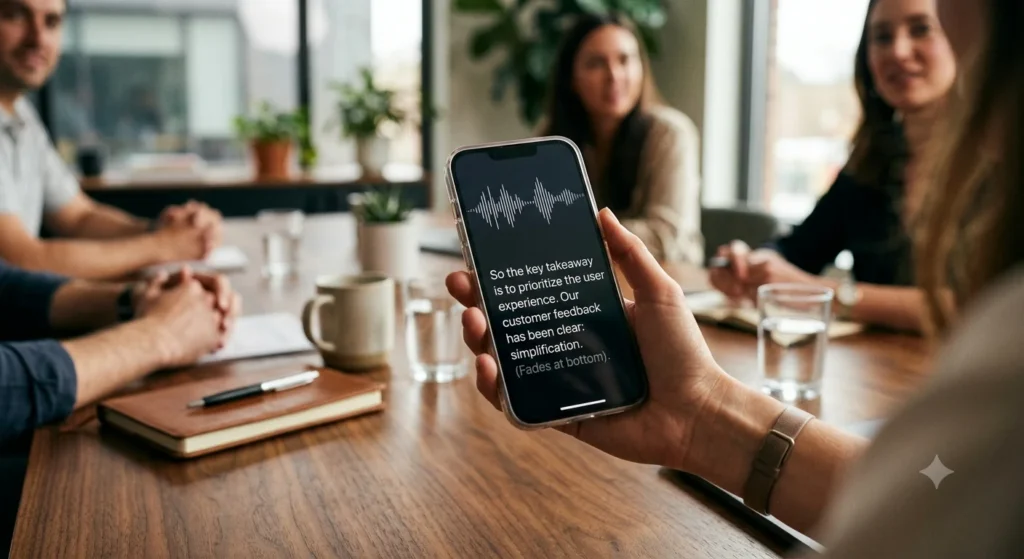
Otter AI for Zoom works the same basic way — it joins as a bot and captures the call automatically. But Otter’s real advantage shows up outside of Zoom entirely. Open the Otter app on your phone during an in-person meeting, a lecture, or even a quick hallway conversation, and it’ll transcribe that in real time too. Fathom can’t do this. If you regularly need notes from conversations that aren’t happening on a video call, that gap matters a lot.

Honest Pros & Cons
Fathom
Pros:
- Unlimited free recording, transcripts, and standard AI summaries — no monthly call cap
- Summaries and action items are ready almost instantly after the call
- Setup takes about two minutes, no learning curve
Cons:
- No way to capture in-person, non-Zoom conversations (unless you’re on the Mac bot-free mode)
- Custom summary templates, advanced frameworks like BANT/Sandler, and deeper CRM sync require the $16/month plan
- Transcribes online meetings only, not standalone audio or video files
Otter AI
Pros:
- Strong accuracy, especially with multiple speakers and accents
- The mobile app makes it apps like Otter AI have a hard time matching for in-person notes
- Otter AI meeting notes are searchable and easy to scan later
Cons:
- 30-minute cap per call on the free plan is a real annoyance
- 300 minutes a month disappears fast if you’re on Zoom often
- The interface can feel a little busier and less intuitive than Fathom’s
Simple Pricing Breakdown
Fathom keeps this simple: one paid plan for individuals, Premium at $16/month when billed annually (or $20/month billed monthly — the $16 rate requires committing to a year upfront). Since standard AI summaries are already unlimited on the free plan, Premium is really about unlocking custom summary templates, advanced frameworks like BANT or Sandler, and deeper CRM integrations.
For teams rather than solo users, Fathom scales up beyond Premium. Team runs $15/user/month billed annually (2-seat minimum) and adds shared call libraries and basic team management on top of everything Premium offers. Business runs $25/user/month billed annually (2-seat minimum, $34/month billed monthly) and is aimed at revenue teams specifically — full CRM field sync with Salesforce and HubSpot, Deal View, AI coaching scorecards, and consolidated billing across the organization. Worth noting: Team actually undercuts Premium on a per-seat basis, so a small group is often better off on Team than buying multiple individual Premium seats.
Otter splits its paid tiers in two:
- Otter Pro runs $8.33/month billed annually (or $16.99/month) and bumps you up to 1,200 minutes a month with a 90-minute cap per call — enough for almost any normal meeting.
- Otter Business runs $19.99/month billed annually (or $30/month) and removes the monthly minute cap entirely, stretching the per-call limit to 4 hours. If price is your main concern, Otter Pro is the cheaper way to get rid of that annoying free-tier cutoff. If you want to stay on one plan without thinking about minute counters at all, Fathom Premium is the simpler buy.
Final Decision Matrix
Pick Fathom if...
- You live in Zoom calls all day and want unlimited recording without watching a minute counter
- You want summaries and action items delivered automatically, with zero setup fuss
- You don’t need to capture in-person or non-Zoom conversations
Pick Otter if...
- You need notes from in-person meetings, lectures, or conversations, not just Zoom
- Accuracy on messy, multi-speaker audio matters more to you than anything else
- You want the cheapest paid option to escape a free tier’s limits (Otter Pro at $8.33/month)
Honestly, some people end up using both — Fathom for their Zoom-heavy workday, and Otter’s app for everything that happens away from a screen. If you’re weighing several options at once, this breakdown of AI tools for meeting notes covers a wider set of picks, including a few tools built specifically as a botless AI meeting recorder if you’d rather skip having a visible bot join your calls.
FAQ
Is Fathom AI completely free for Zoom?
For everyday use, yes — recording, transcripts, and standard AI summaries with action items are free and unlimited, with no monthly call cap. You’d only need the $16/month Premium plan for extras like custom summary templates, sales frameworks such as BANT or Sandler, and deeper CRM integrations.
Why did Otter stop taking notes after 30 minutes?
That’s the free plan’s per-call limit. Otter’s Basic tier caps every individual conversation at 30 minutes, even if you haven’t used up your 300 monthly minutes yet. Upgrading to Pro raises that cap to 90 minutes per call.
Can Fathom or Otter record meetings without a bot showing up?
By default, both join your Zoom calls as a visible bot in the participant list, which some people (or their clients) aren’t thrilled about. Fathom has since rolled out a “Bot-Free” recording mode that captures calls without adding a visible bot to the participant list — right now it’s available for Mac users. Otter doesn’t offer an equivalent bot-free option on Zoom yet. If a visible bot is a dealbreaker and you’re not on a Mac, some third-party tools are built specifically as a botless AI meeting recorder — worth a look.
Sources for pricing and feature details include each provider’s own help documentation, current as of 2026 — check Otter’s Help Center and Zoom’s App Marketplace listings for either tool before you commit to a paid plan, since pricing and limits do change.